LinkedIn Fonts
Enhance your LinkedIn posts with special text formatting to make your professional content stand out. Generate bold, italic, and stylish fonts instantly.
How to Use LinkedIn Special Text Generator?
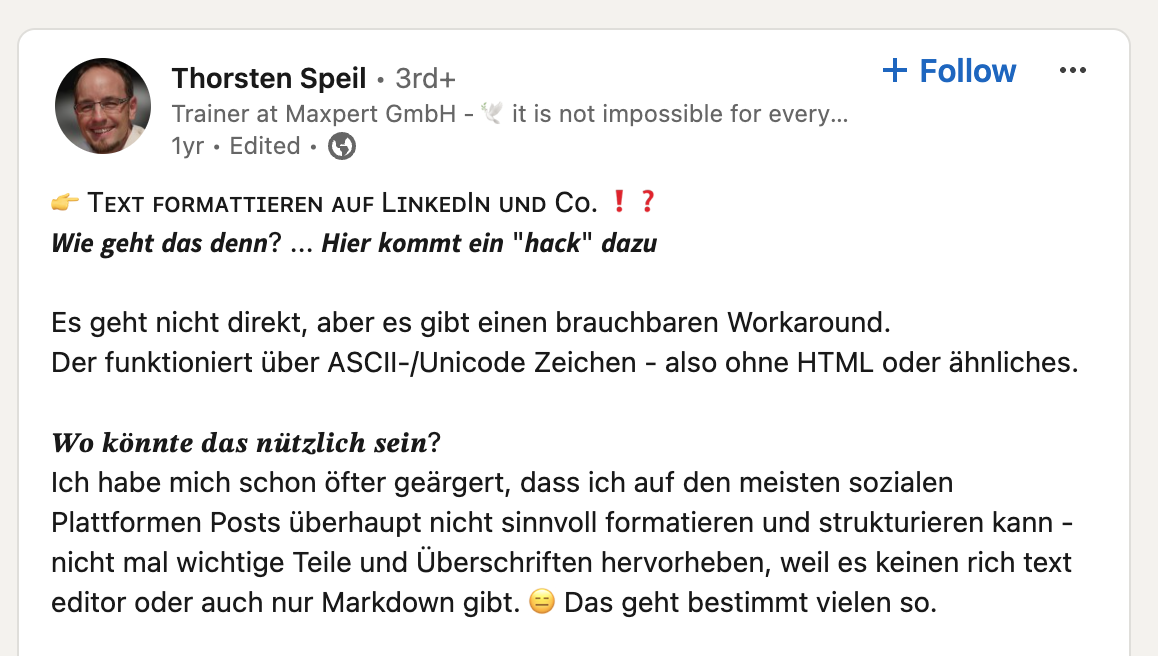
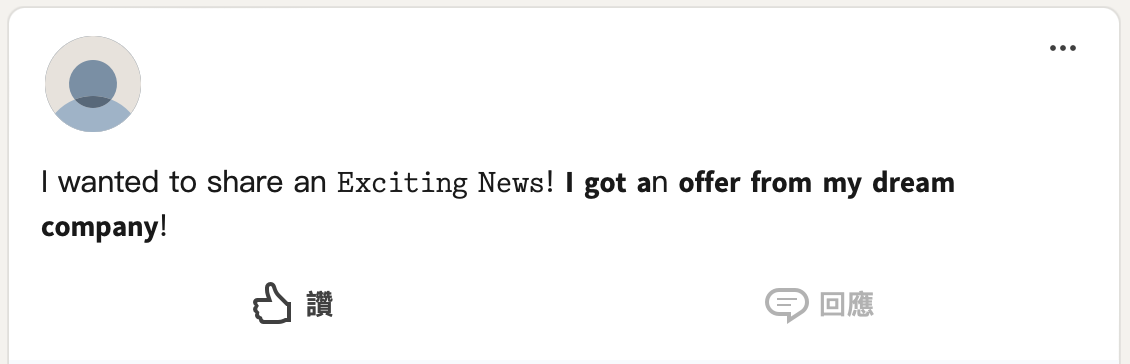
This is an online tool for changing fonts on LinkedIn. The tool provides various special font styles, including outlined fonts, small caps, bubble text, square text, bold, old English style, cursive letters, upside-down text, strikethrough, invisible ink, and more.
Enter your text
Type or paste the text you want to format in the input box at the top
Choose your style
Browse through various font styles like bold, italic, underlined, and special formats
Copy formatted text
Click on your preferred style to copy it to your clipboard
Paste on LinkedIn
Open LinkedIn and paste the formatted text in your post, profile, or comments
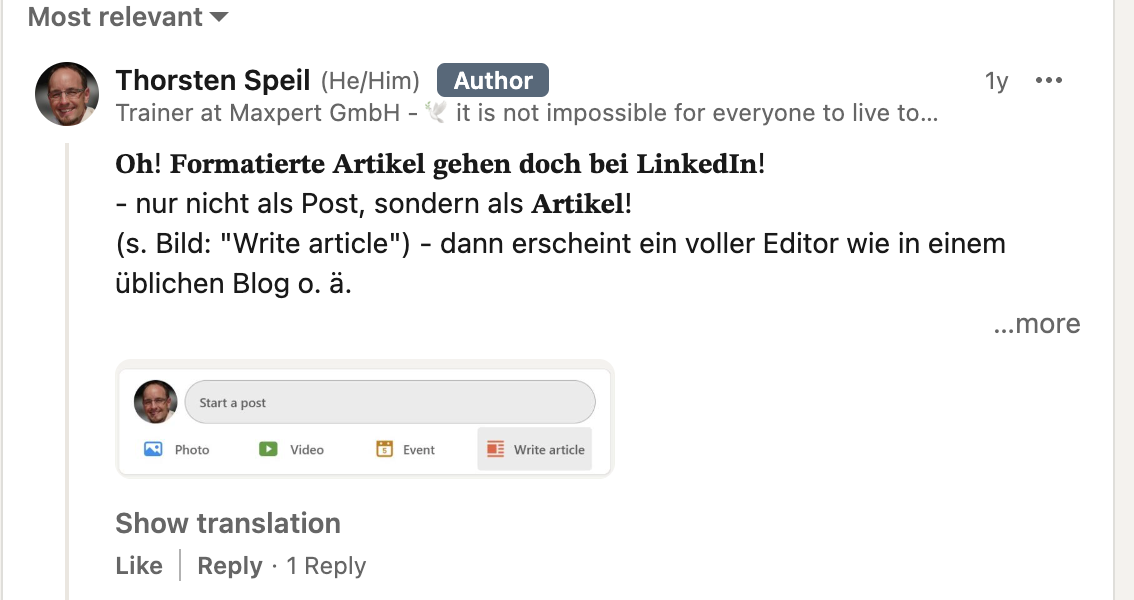
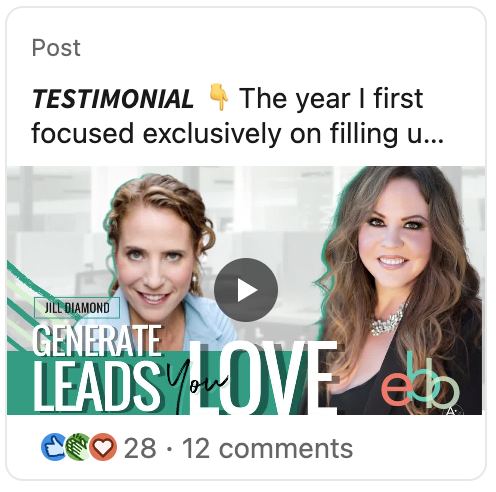
linkedin.examples
Frequently Asked Questions
Can I use these fonts in my LinkedIn profile headline?
Yes, you can use these special fonts in your profile headline, summary, experience descriptions, and posts. They work anywhere on LinkedIn that accepts text input.
Will these fonts affect LinkedIn search?
While special fonts make your content visually appealing, LinkedIn's search algorithm may not recognize all Unicode characters. Use them strategically for emphasis while keeping important keywords in regular text.
Are LinkedIn special fonts professional?
When used tastefully, special fonts can enhance professionalism by highlighting key information. Avoid overuse - a little formatting goes a long way in professional contexts.