Instagram Fonts Generator — Copy and Paste
Free Instagram bio fonts & TikTok text. Copy paste 100+ fancy & stylish fonts for bios, captions & posts. Works on all social media platforms.
Ad Placeholder
Slot: 1234567890
How to use the Instagram & TikTok Font Generator?
Create unique Instagram bios & TikTok profiles with 100+ fancy & stylish fonts. From cursive to bold text, make your bio stand out. Popular with influencers and content creators for personal branding.
Type or paste your text
Enter the text you want to stylize in the input box at the top of the page
Choose a font style
Browse through various font styles displayed below and select your favorite design
Copy the styled text
Click the copy button next to your chosen font style to copy it to your clipboard
Paste in Instagram or TikTok
Open Instagram or TikTok and paste your stylized text in your bio, captions, or posts
How Do Instagram Fonts Work?
These fancy Instagram fonts aren't actually fonts at all — they're special Unicode characters that look like stylized letters. Unicode is a universal text standard that includes thousands of unique symbols, including mathematical symbols, ancient scripts, and decorative characters that resemble fancy fonts.
When you use our generator, we convert your regular letters into these special Unicode characters. Because they're part of the universal text standard, they work everywhere — no special apps or downloads needed. Just copy and paste into Instagram, TikTok, Twitter, or any platform.
This is why Instagram fonts work seamlessly across iPhone, Android, and desktop. The text is simply recognized as regular characters by any device. However, some very old devices or systems might display certain characters as empty boxes — this happens when a device doesn't have the font file to render that particular Unicode character. Most modern devices from 2018 onwards support the full range of decorative Unicode characters we use.
Examples
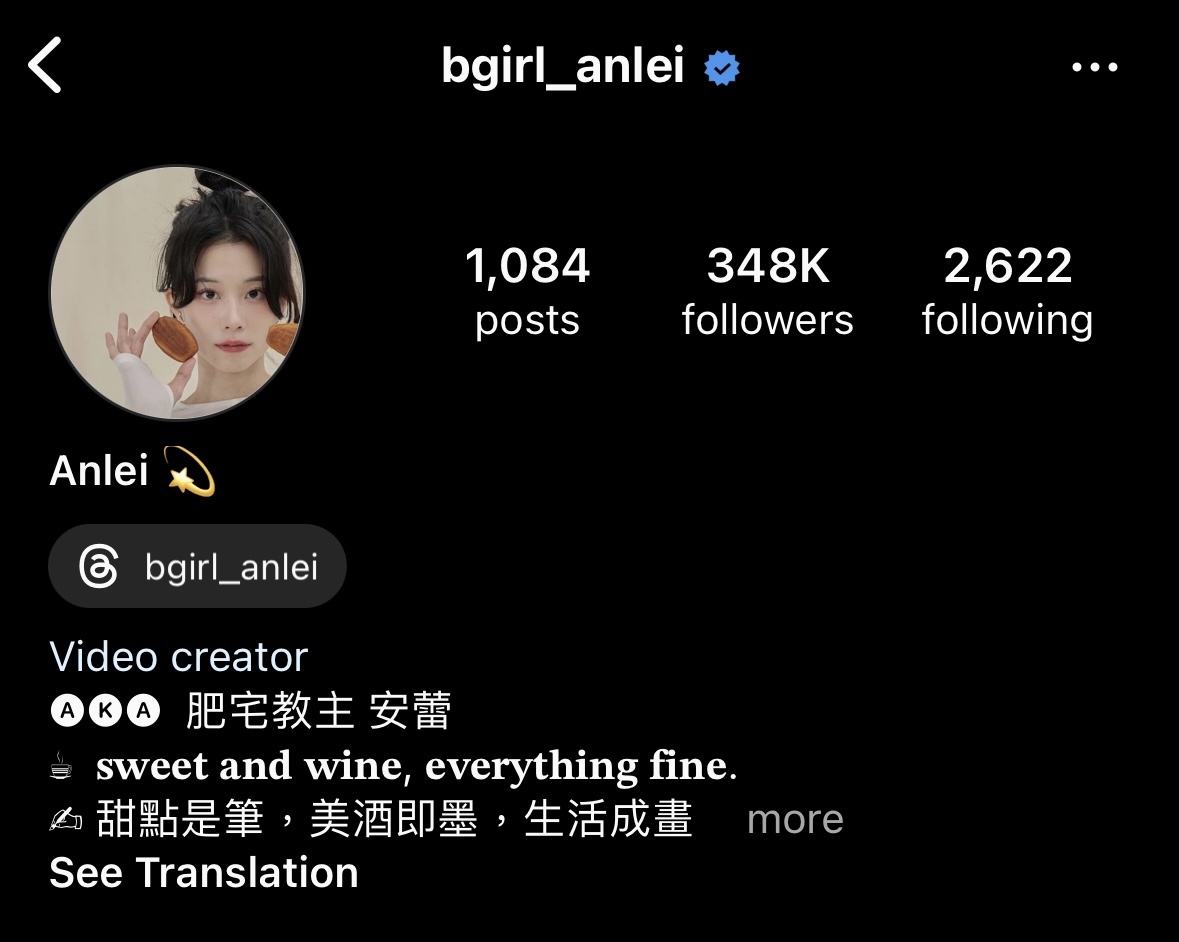
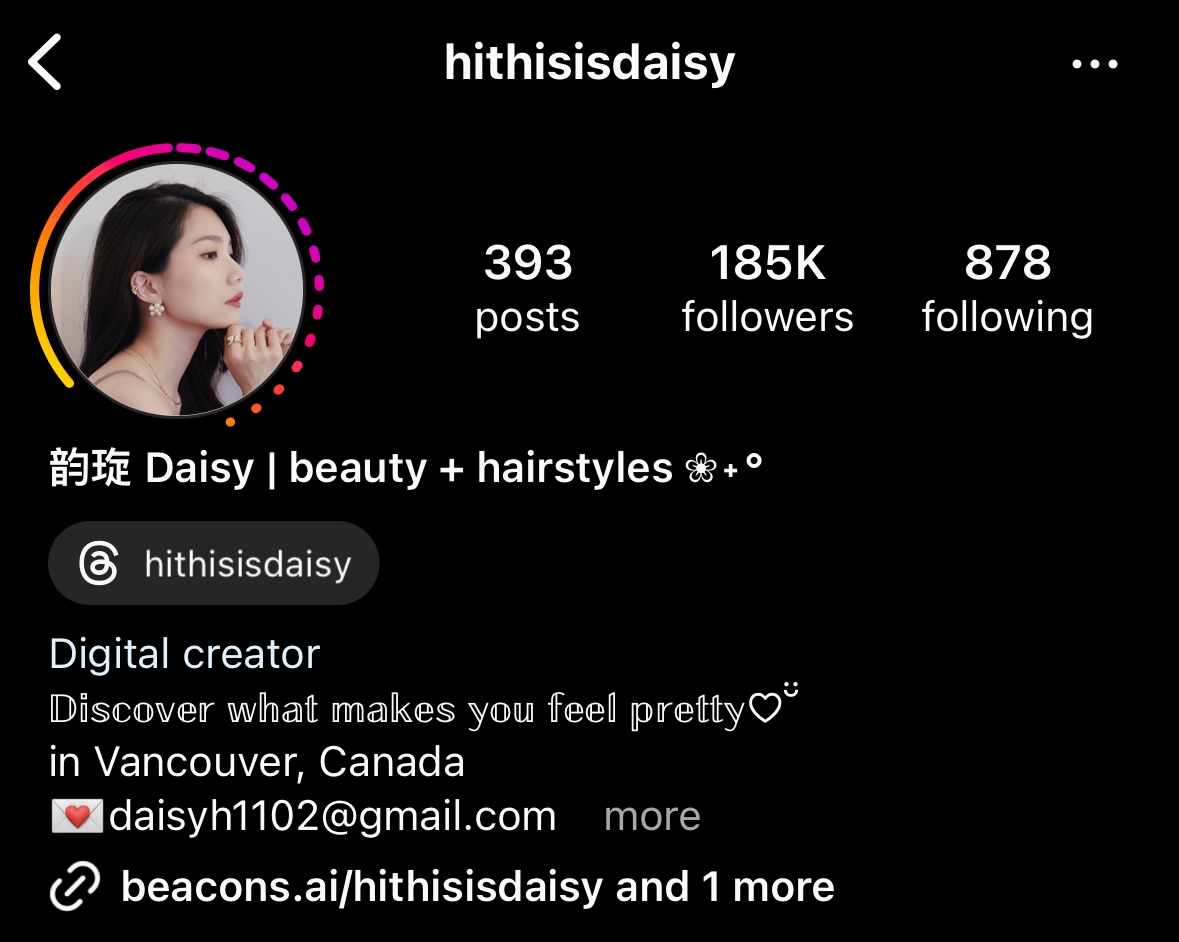
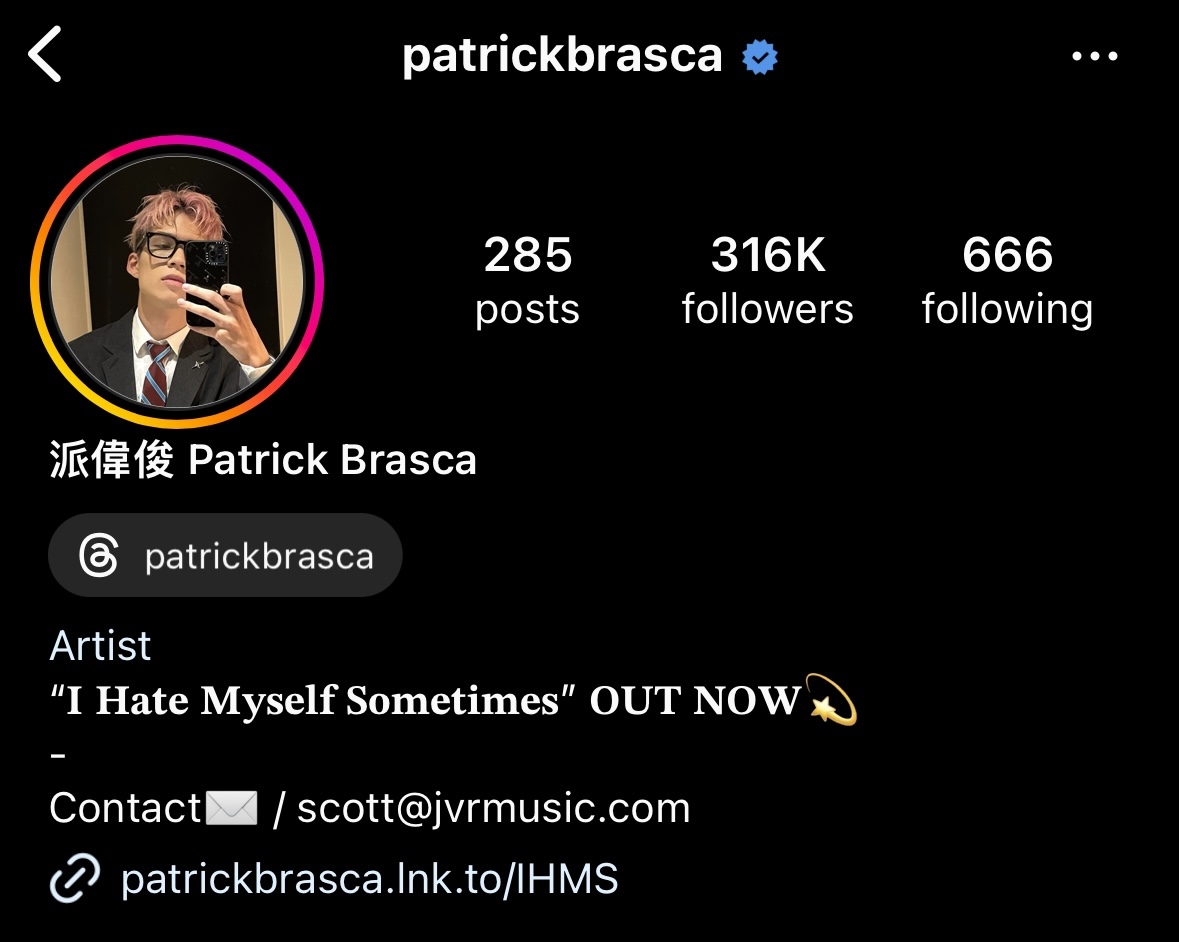
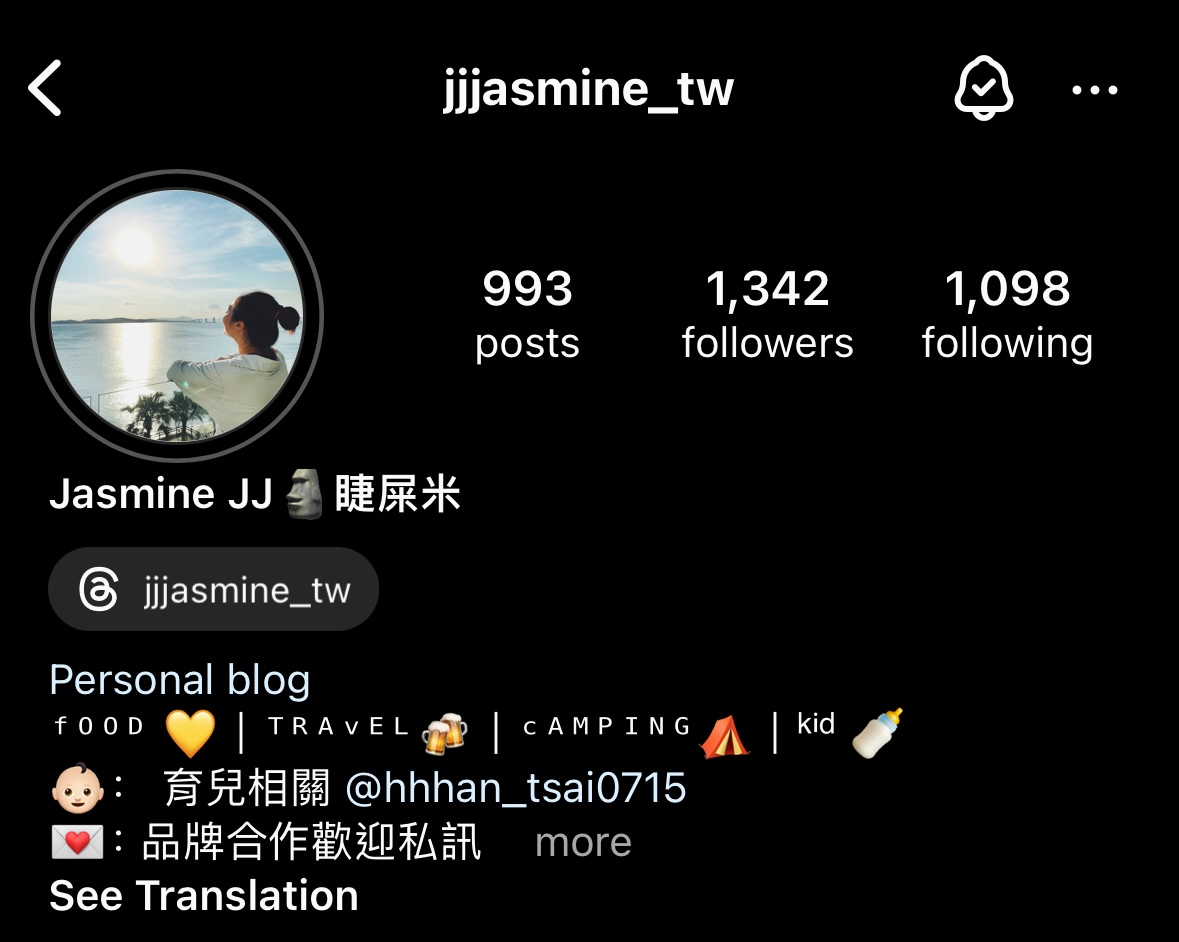
Popular Font Styles
Explore our most popular font generators for Instagram, TikTok, and social media:
Frequently Asked Questions
Is the IG font tool free?
Yes, this tool is free to use, so please help us spread the word!
Can I use these fonts on other platforms?
Yes! Works on TikTok, Instagram, Facebook, Twitter/X and all social media that supports Unicode text.
What's the best way to use Instagram fonts?
Instagram bios are the most popular use case. Your bio is permanent and highly visible. You can also use fonts in captions and comments.
Why do some fonts show as boxes or squares?
This happens when a device doesn't have the font file to display certain Unicode characters. It's most common on older phones or computers. Try a different font style — simpler styles like Bold or Italic have better compatibility than decorative ones like Fraktur or Zalgo.
Do Instagram fonts work in usernames?
Unfortunately, Instagram restricts usernames to basic letters, numbers, periods, and underscores. Fancy fonts won't work in usernames. However, they work perfectly in your bio, display name, captions, comments, and stories.
What are the best fonts for Instagram bio in 2026?
The most popular Instagram bio fonts in 2026 are Cursive (elegant and personal), Bold (stands out and reads clearly), Small Caps (subtle and professional), and Bubble (fun and approachable). Mix styles sparingly for best results — too many fonts can look cluttered.
Are fancy fonts safe to use?
Yes! These are standard Unicode characters, not hacks or exploits. They're completely safe and won't get your account flagged or banned. Instagram, TikTok, and other platforms fully support Unicode text.
How do I make text bold on Instagram?
Instagram doesn't have built-in bold formatting, but you can use our Bold font generator to create 𝐛𝐨𝐥𝐝 𝐭𝐞𝐱𝐭 using Unicode characters. Just type your text, copy the bold version, and paste it into Instagram.
Can I use these fonts in Instagram stories?
Yes! While Instagram Stories has its own font options, you can paste Unicode fonts from our generator into the text tool. This gives you access to many more styles than Instagram's built-in options.